
Note: The device must be connected to the internet to change the Device PIN. Please see this guide for assistance with connecting to a network.”
Skip to:
⤵️ 1. Change a device PIN code
⤵️ 2. Reset a forgotten PIN code
🔶 1. Change a device PIN code
🔸From any mode (Keypad/Suggested Amounts/Express), access the admin menu by pressing the logo in the top left corner and entering your device PIN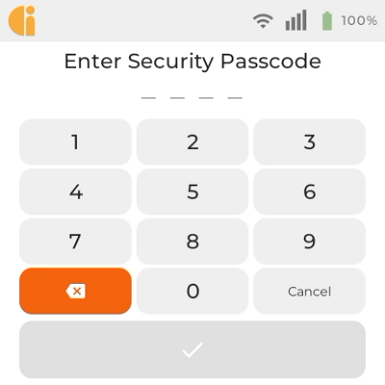
🔸Select “Device Settings” in the bottom right to enter the Device Settings Menu. 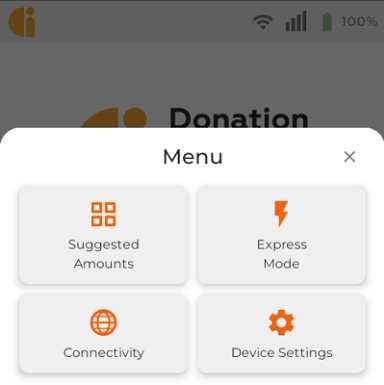
🔸Select About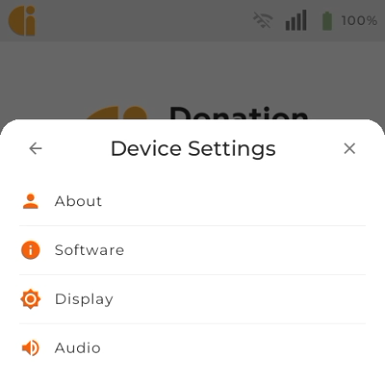
🔸Select Change Device PIN at the bottom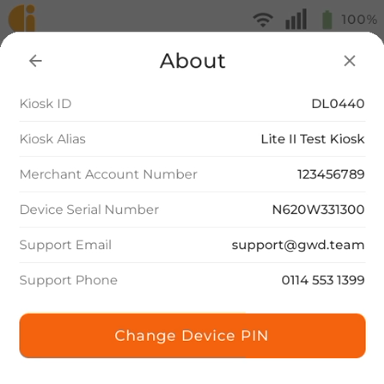
🔸Enter your existing PIN and press Next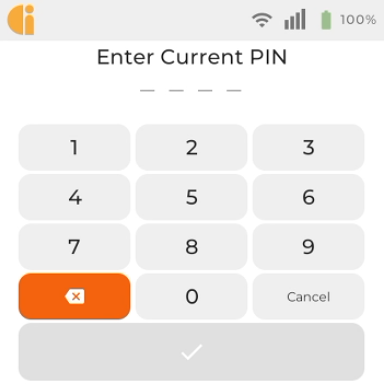
🔸Enter your new PIN and press Next. Re-enter the new PIN to confirm.
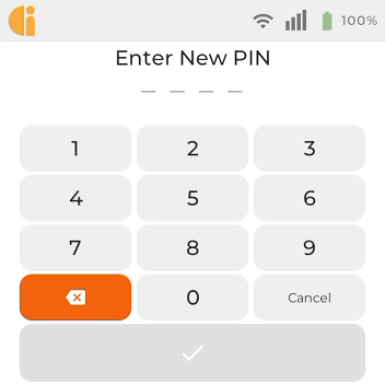
Note: The PIN cannot be 4 sequential numbers (e.g. 1234) or a single digit repeated 4 times (e.g. 1111).
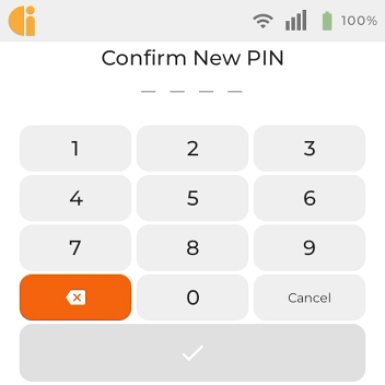
🔸Your PIN has now been changed.
🔶 2. Reset a forgotten PIN code
🔸If you have forgotten the pin code contact the GWD Support team who will be able to help