
The battery pack is an optional accessory that can be used with the Donation Station Lite II to massively increase fundraising times away from a power socket. The battery pack can stored in the enclosure for streamlined fundraising on the go.
Skip to:
⤵️ 1. Components in kit
⤵️ 2. Fitting the battery pack
⤵️ 3. Using the battery pack
🔶 1. Components provided with battery pack kit.
🔸Battery Pack
🔸Additional USB A to USB C charging cable
🔶 2. Fitting the battery pack.
🔸Unplug and remove the card reader from the enclosure.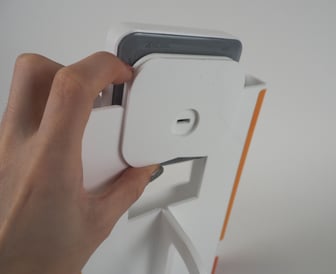

🔸Insert the USB A of the short cable into the middle port of the battery. 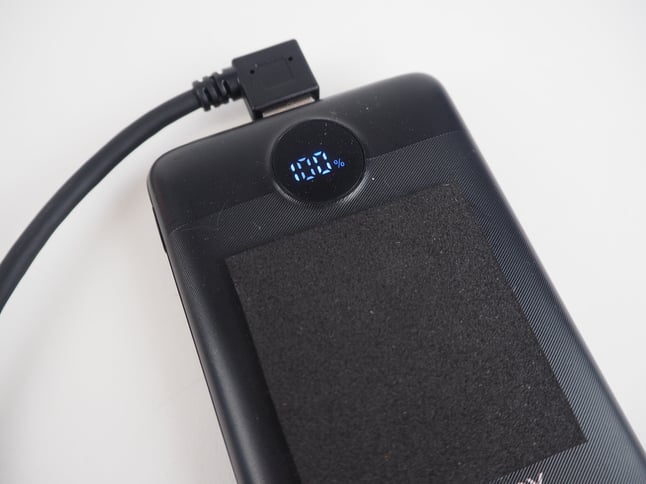
🔸Slide the battery pack inside the enclosure, with the USB A cable you have just fitted pointing upwards. 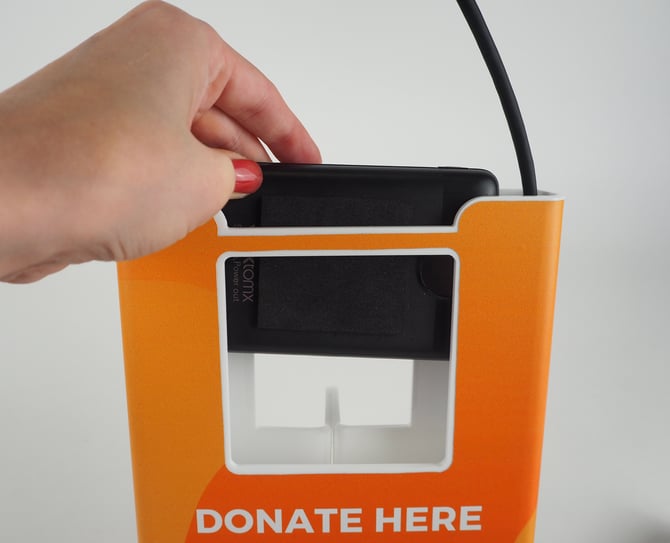
🔸Plug the USB C end of cable into the Card Terminal charging port.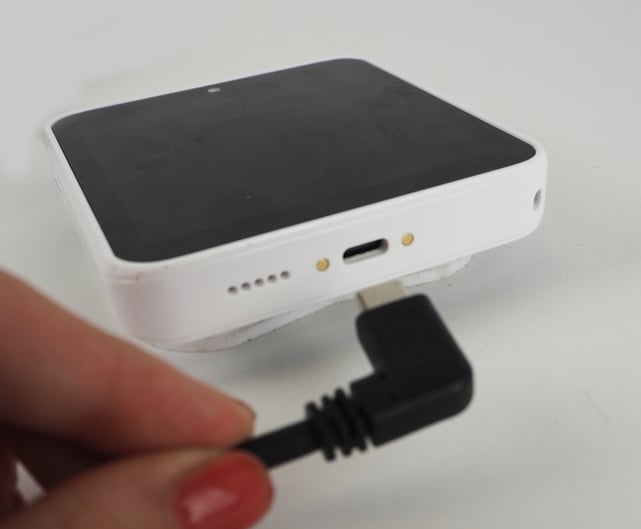
🔸Slide the card reader into the enclosure.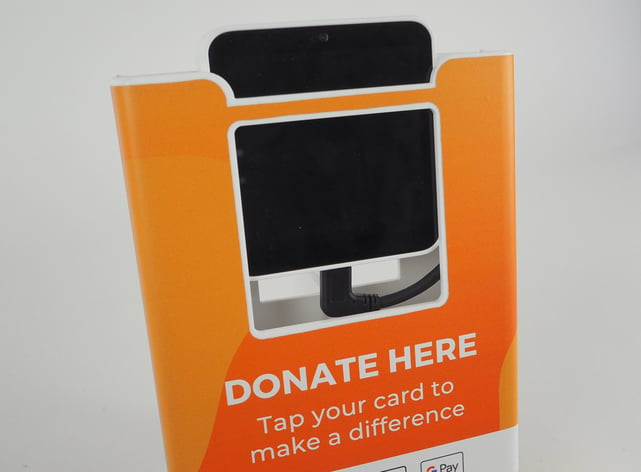
🔶 3. Using the Donation Station Lite II with the Battery Pack
🔸To charge the Lite II with the battery, take the supplied right angled USB C cable and fit it in the battery from the bottom of the enclosure.”
🔸Plug cable into a power source to charge.
🔸Whilst using the battery pack you will need to power the card terminal on and off using the power button. How to turn the Donation Station Lite II on and off